
Fastify 基本实践文档
Fastify 适合什么场景?
✅ 高并发 API
✅ 网关服务
✅ BFF 层
✅ 微服务
✅ Serverless
✅ 性能敏感
不适合:
❌ 需要复杂企业架构
❌ 大团队长期维护
❌ 强规范项目
Github 项目地址(DEMO)
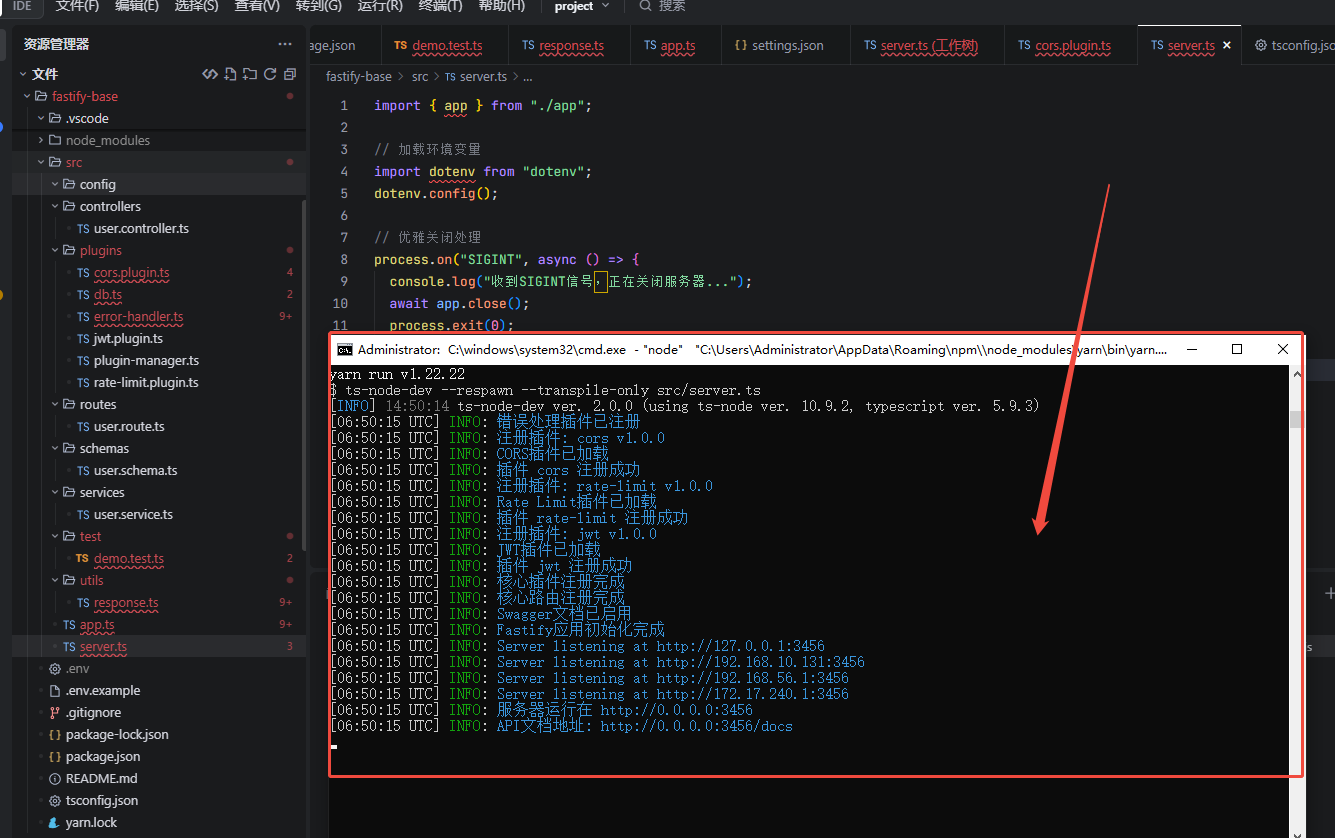
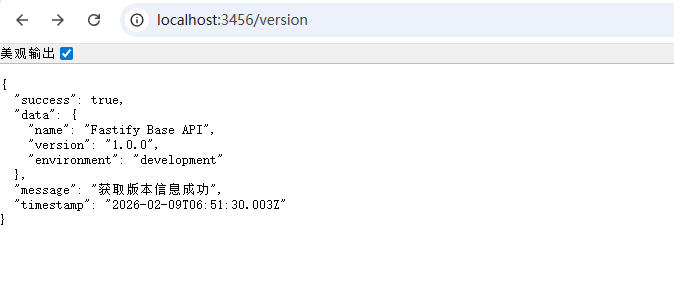
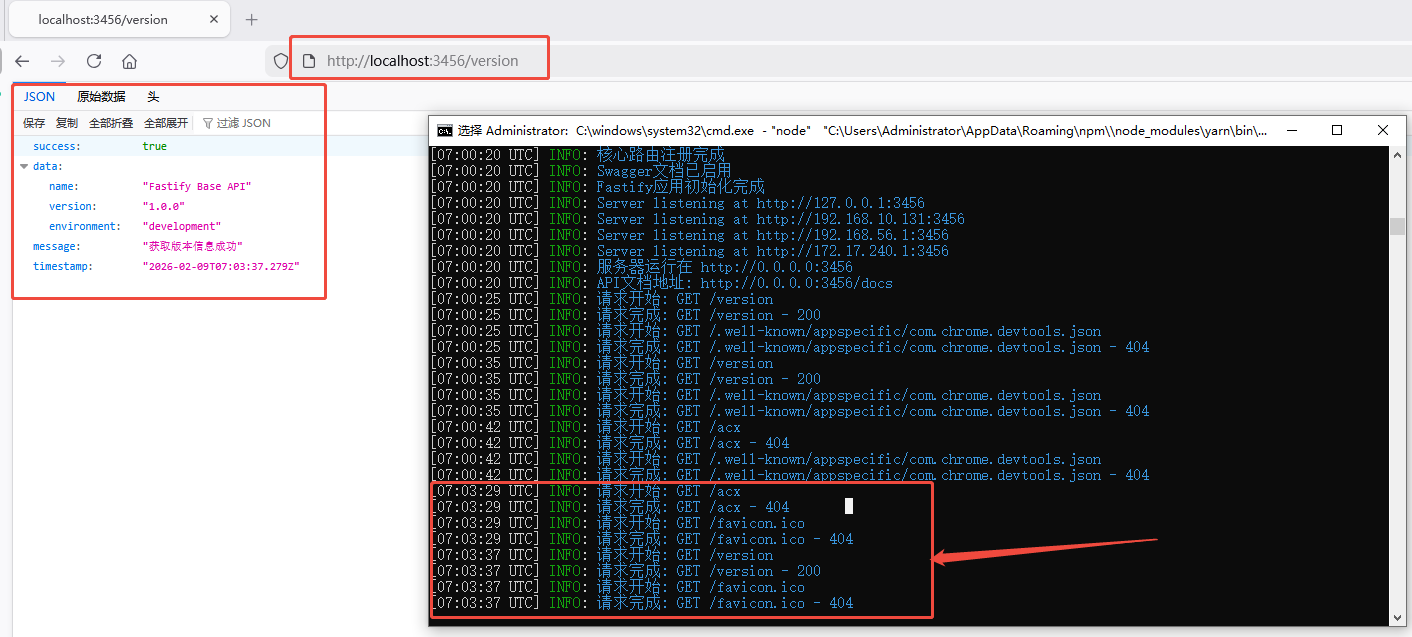
会有预请求的情况,浏览器会先发送一个 OPTIONS 请求,确认服务器是否允许跨域请求。
1. Fastify 简介
Fastify 是一个高性能、低开销的 Node.js Web 框架,特点:
- 🚀 高性能
- 🔒 内置参数校验(JSON Schema)
- 🧩 插件化架构
- 📝 自动生成 API 文档
- 💡 天然支持 TypeScript
适用于:
- 后端 API 服务
- 微服务
- 中台系统
- 企业级应用
2. 项目初始化
2.1 创建项目
bash
mkdir fastify-app
cd fastify-app
npm init -y安装依赖:
bash
npm install fastify
npm install -D typescript ts-node-dev @types/node初始化 TypeScript:
bash
npx tsc --init3. 项目结构推荐
text
fastify-app/
├── src/
│   ├── app.ts          # Fastify 实例
│   ├── server.ts       # 启动入口
│   ├── routes/         # 路由层
│   ├── controllers/    # 控制器
│   ├── services/       # 业务逻辑
│   ├── schemas/        # 参数校验 Schema
│   ├── plugins/        # 插件(DB、JWT、Redis)
│   └── config/         # 配置文件
└── tsconfig.json分层说明:
- routes:路由注册
- controllers:请求处理
- services:业务逻辑
- schemas:请求/响应校验
- plugins:公共能力封装
4. 创建 Fastify 实例
src/app.ts
ts
import Fastify from "fastify";

export const app = Fastify({
  logger: true,
});src/server.ts
ts
import { app } from "./app";
import { userRoutes } from "./routes/user.route";

app.register(userRoutes, { prefix: "/api" });

app.listen({ port: 3000 }, () => {
  console.log("Server running at http://localhost:3000");
});5. 路由实践
src/routes/user.route.ts
ts
import { FastifyInstance } from "fastify";
import { getUserHandler } from "../controllers/user.controller";
import { getUserSchema } from "../schemas/user.schema";

export async function userRoutes(app: FastifyInstance) {
  app.get("/user/:id", {
    schema: getUserSchema,
    handler: getUserHandler,
  });
}6. Controller 层
src/controllers/user.controller.ts
ts
import { FastifyRequest, FastifyReply } from "fastify";

interface Params {
  id: string;
}

export async function getUserHandler(
  request: FastifyRequest<{ Params: Params }>,
  reply: FastifyReply
) {
  return {
    id: request.params.id,
    name: "Fastify User",
  };
}7. Schema 校验(核心特性)
src/schemas/user.schema.ts
ts
export const getUserSchema = {
  params: {
    type: "object",
    required: ["id"],
    properties: {
      id: { type: "string" },
    },
  },
  response: {
    200: {
      type: "object",
      properties: {
        id: { type: "string" },
        name: { type: "string" },
      },
    },
  },
};作用:
- 自动校验请求参数
- 自动校验返回数据
- 非法请求自动拦截
8. Service 层(业务解耦)
src/services/user.service.ts
ts
export class UserService {
  async getUser(id: string) {
    return {
      id,
      name: "Service User",
    };
  }
}Controller 调用 Service:
ts
const userService = new UserService();

return userService.getUser(request.params.id);9. 插件机制
src/plugins/db.ts
ts
import fp from "fastify-plugin";

export default fp(async (app) => {
  app.decorate("db", {
    connect: () => console.log("DB connected"),
  });
});注册插件:
ts
import dbPlugin from "./plugins/db";
app.register(dbPlugin);10. 全局错误处理
ts
app.setErrorHandler((error, request, reply) => {
  reply.status(500).send({
    code: 500,
    message: error.message,
  });
});11. Swagger 文档
安装:
bash
npm install @fastify/swagger @fastify/swagger-ui注册:
ts
app.register(require("@fastify/swagger"));
app.register(require("@fastify/swagger-ui"), {
  routePrefix: "/docs",
});访问:
http://localhost:3000/docs12. JWT 认证实践
安装:
bash
npm install @fastify/jwt注册插件:
ts
app.register(require("@fastify/jwt"), {
  secret: "mysecret",
});

app.decorate("authenticate", async (request, reply) => {
  await request.jwtVerify();
});路由保护:
ts
app.get("/profile", {
  preHandler: [app.authenticate],
  handler: async () => {
    return { message: "secure data" };
  },
});13. 统一返回格式(推荐)
ts
function success(data: any) {
  return {
    code: 0,
    message: "ok",
    data,
  };
}14. 启动项目
package.json:
json
"scripts": {
  "dev": "ts-node-dev --respawn src/server.ts"
}运行:
bash
npm run dev15. 最佳实践总结
- 使用 Schema 校验所有接口参数
- 路由、控制器、服务分层
- 插件封装基础设施能力
- 使用 TypeScript
- 使用 Swagger 文档
- 统一错误处理
- 统一返回结构
16. 适用场景
- 用户系统
- 认证中心
- 微服务 API
- 后台管理系统
- IoT 平台
- 游戏服务