
首次搭建 NativeVue 项目
一、配置环境(先决条件)
要使用 NativeScript-Vue,您的系统需要设置为能够编译和运行原生应用程序。
详细指南请参阅 NativeScript 文档:环境设置:https://docs.nativescript.org/setup/
核心步骤
- Installing Node
- Installing a JDK
- Installing Android Studio
- Configuring ANDROID_HOME and PATH
- Installing the NativeScript CLI
- Verifying the environment ...
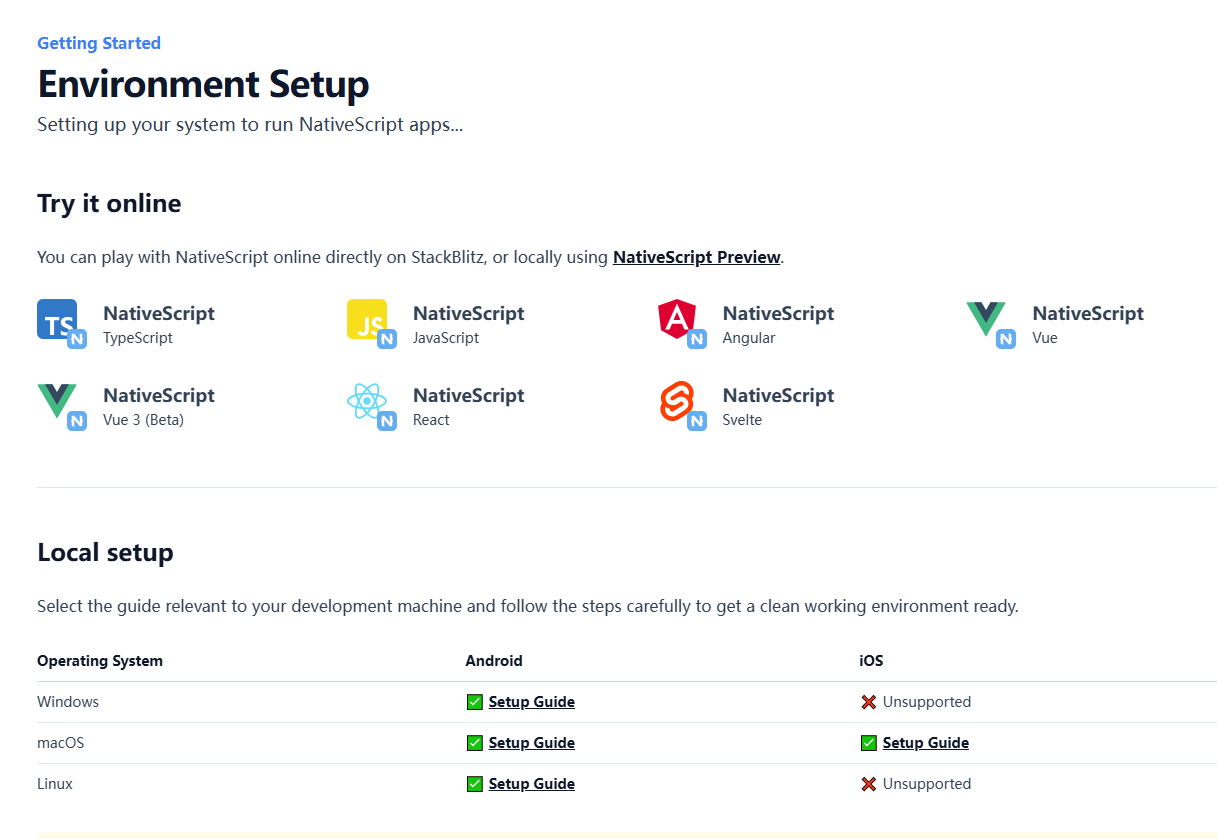
1. NativeScript 截图
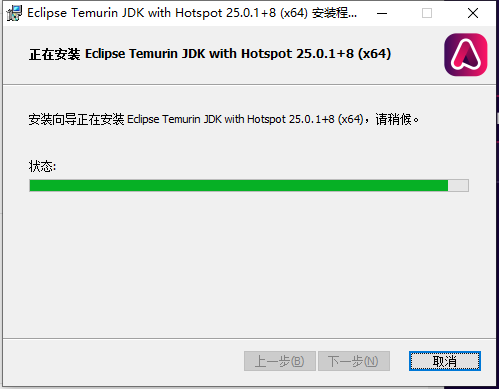
2. Eclipse Temurin 截图
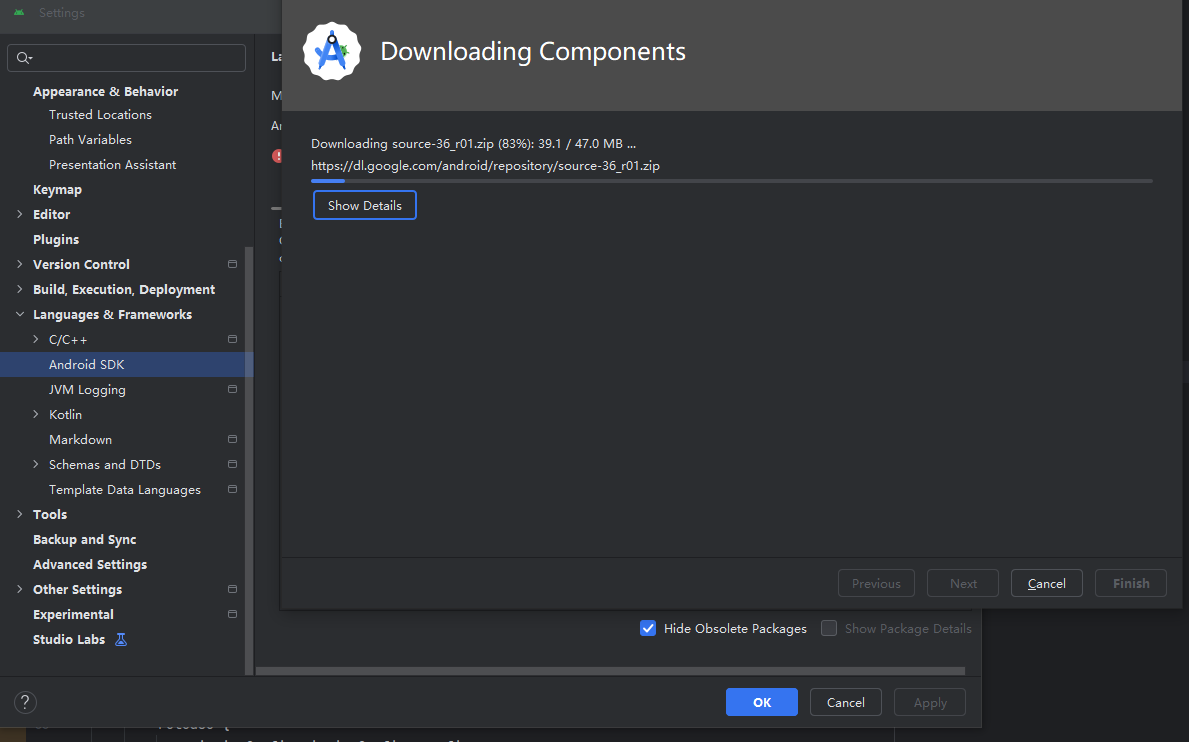
3. 安装 android-studio
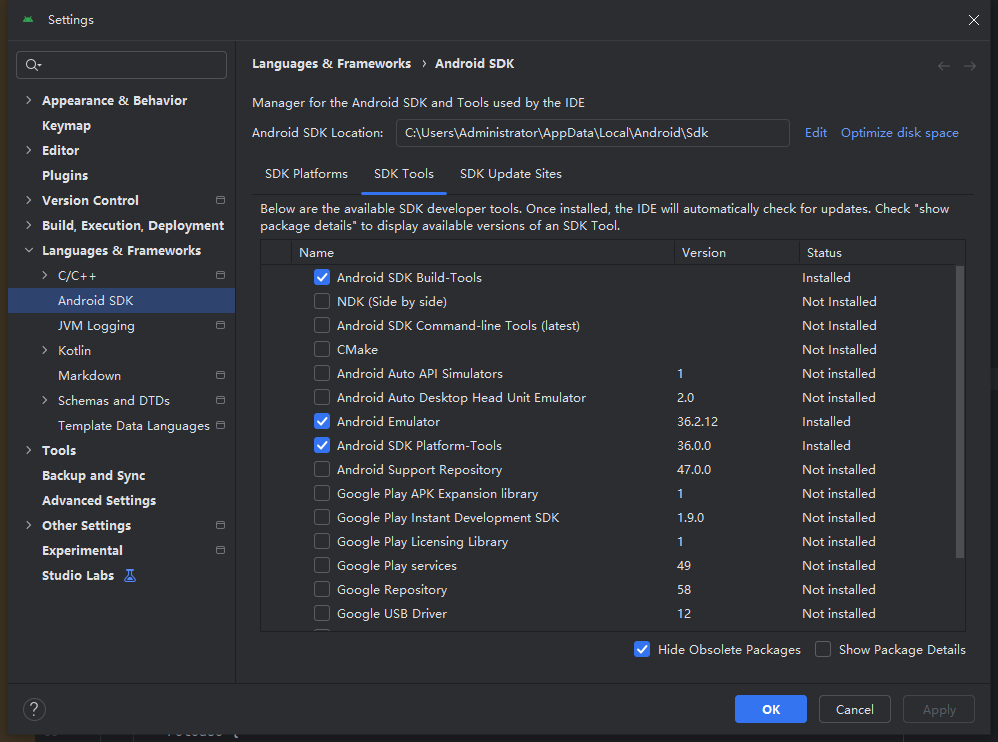
要查找 Android Studio 设置中的实际位置,请导航至“语言和框架”›“Android SDK”,然后复制 Android SDK 位置。
安装中......
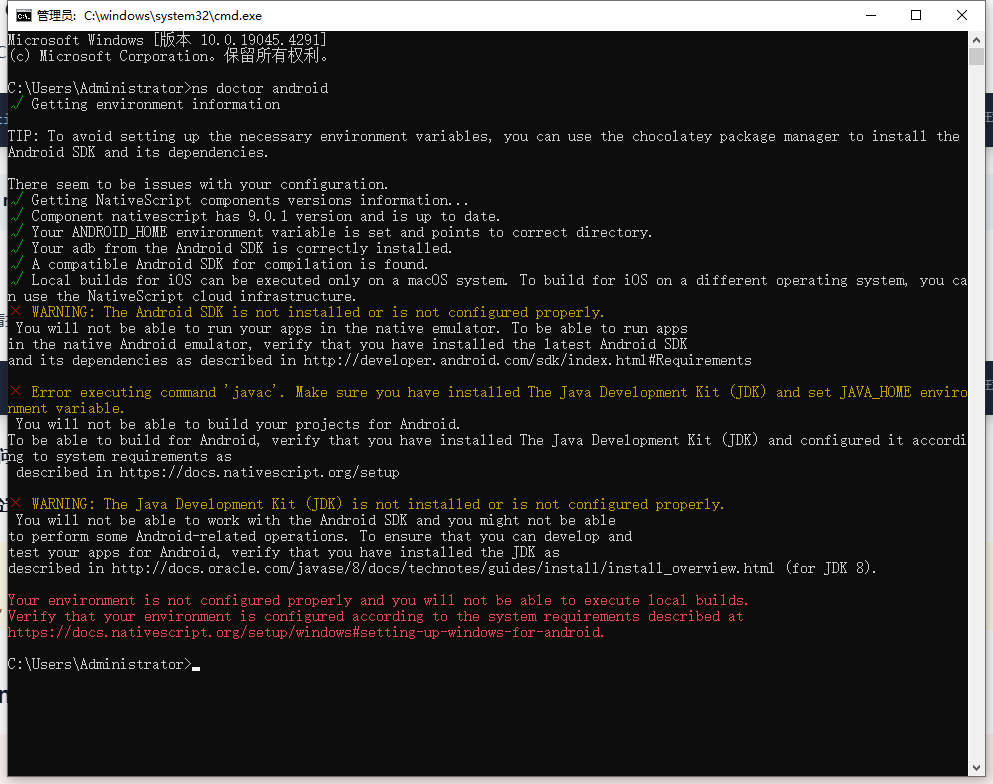
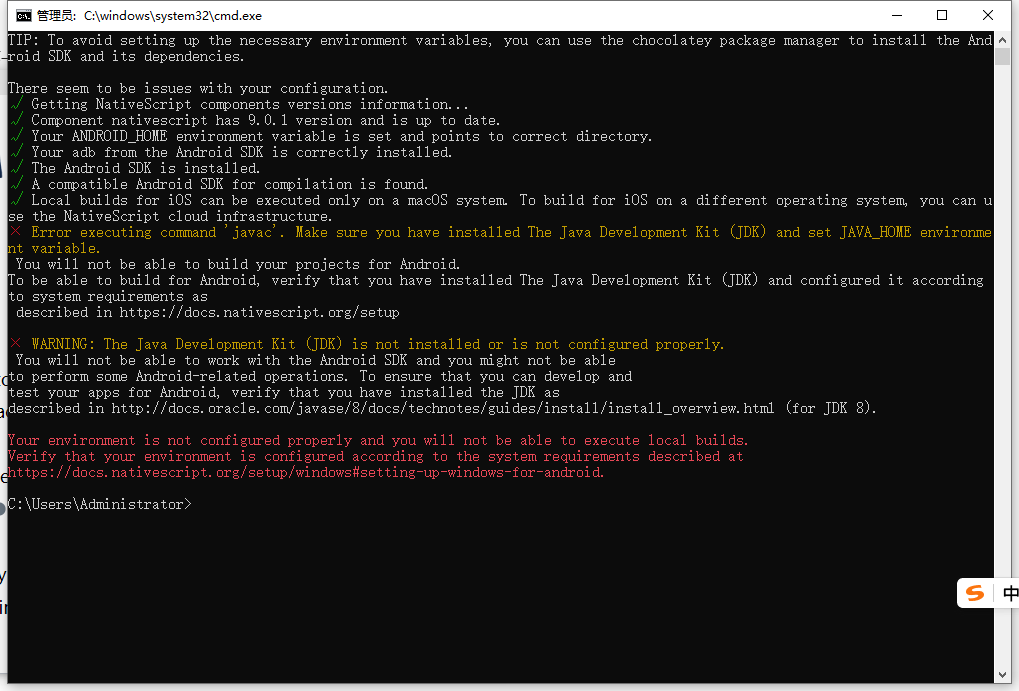
安装失败后,验证
ns doctor android
安装成功后
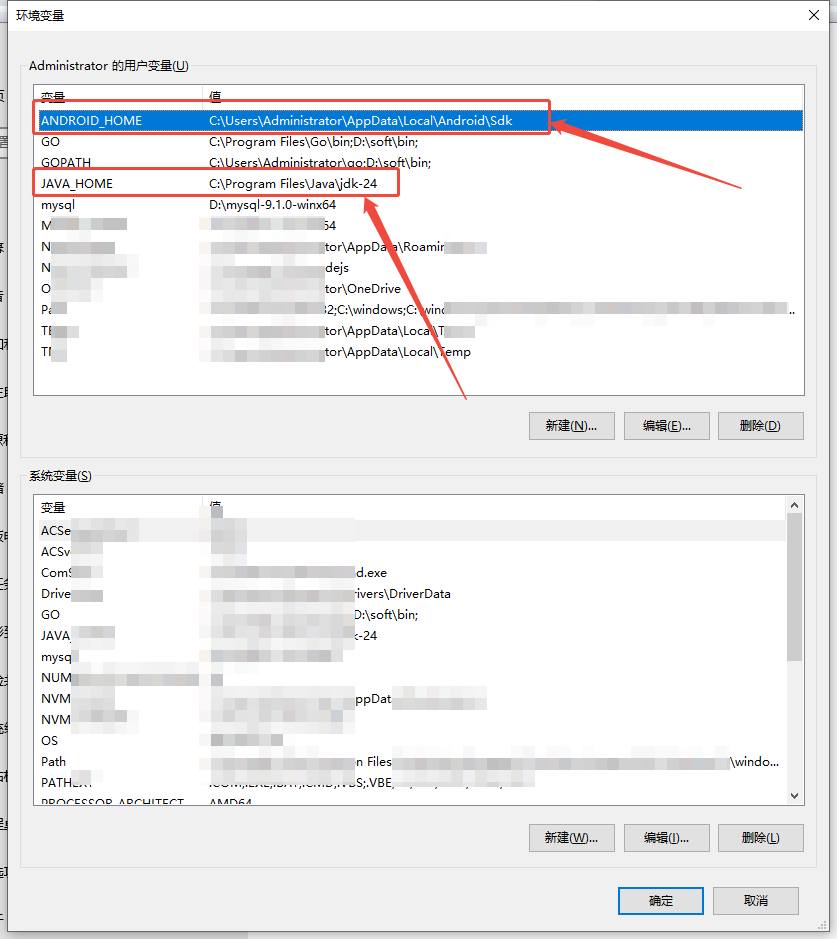
JAVA_HOME 环境变量配置有问题,多了一个
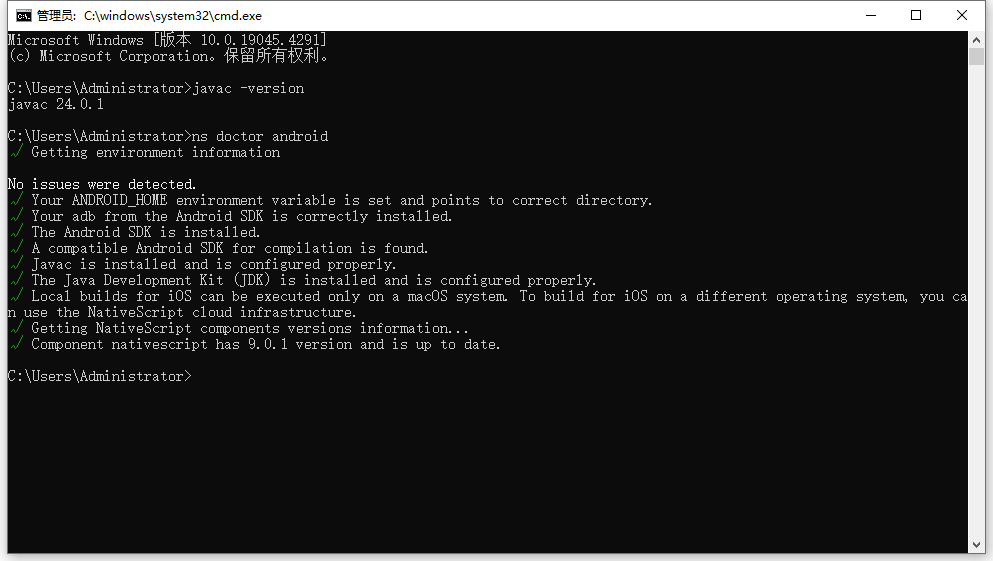
\bin
去掉
\bin后,验证ns doctor android, 一切正常。
环境变量配置截图
4. 问题修复:系统映像缺失
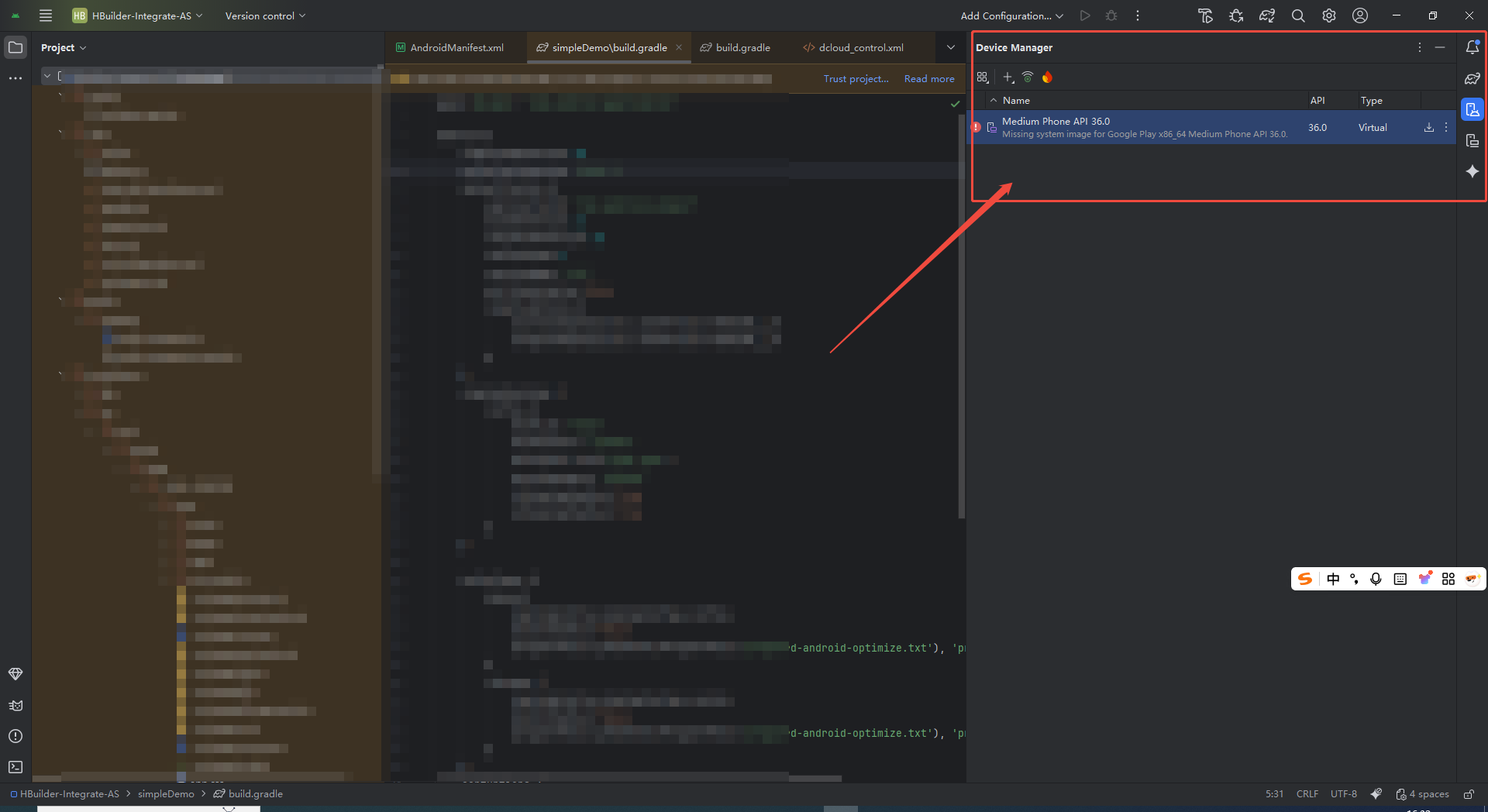
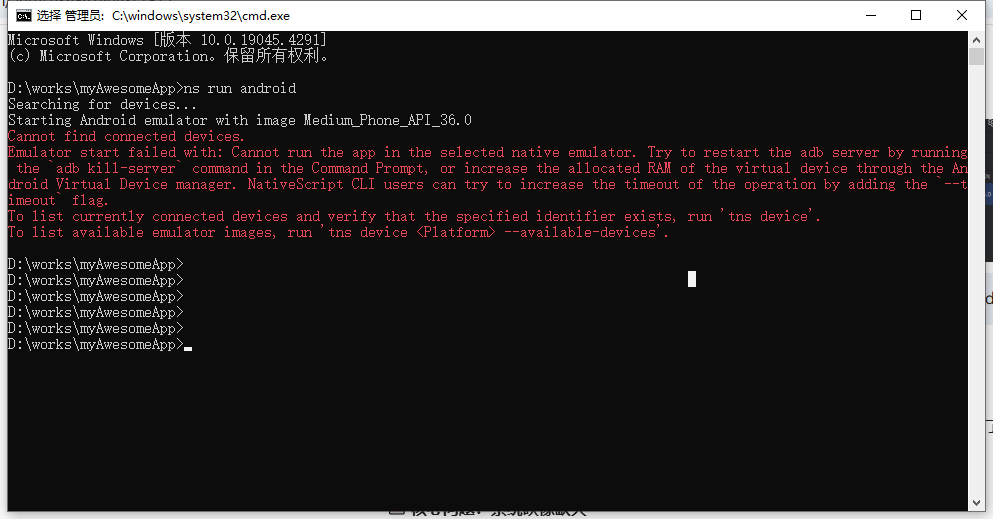
解决方案
网络问题:电脑不要开 VPN 代理,即可正常下载。
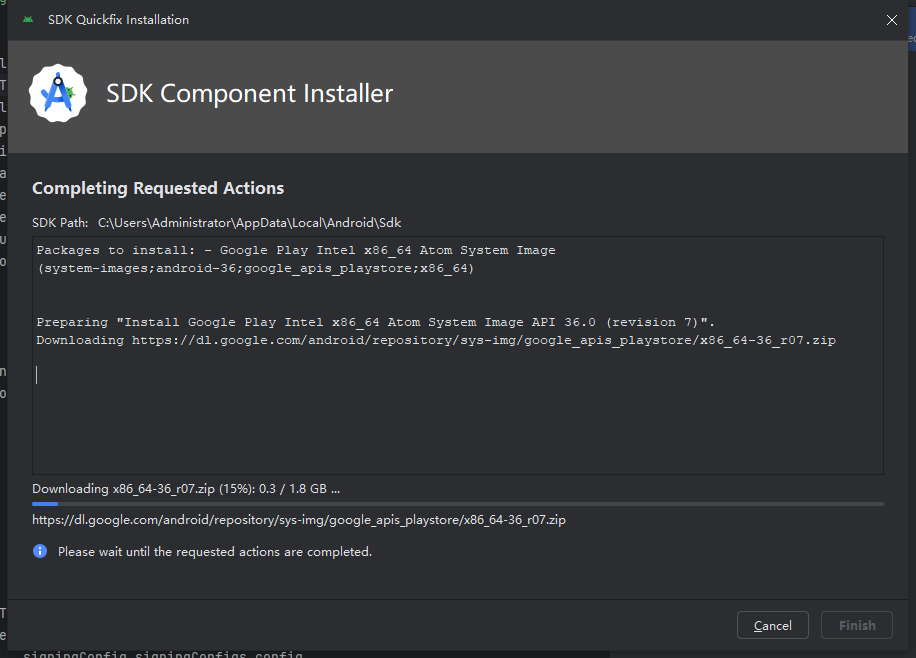
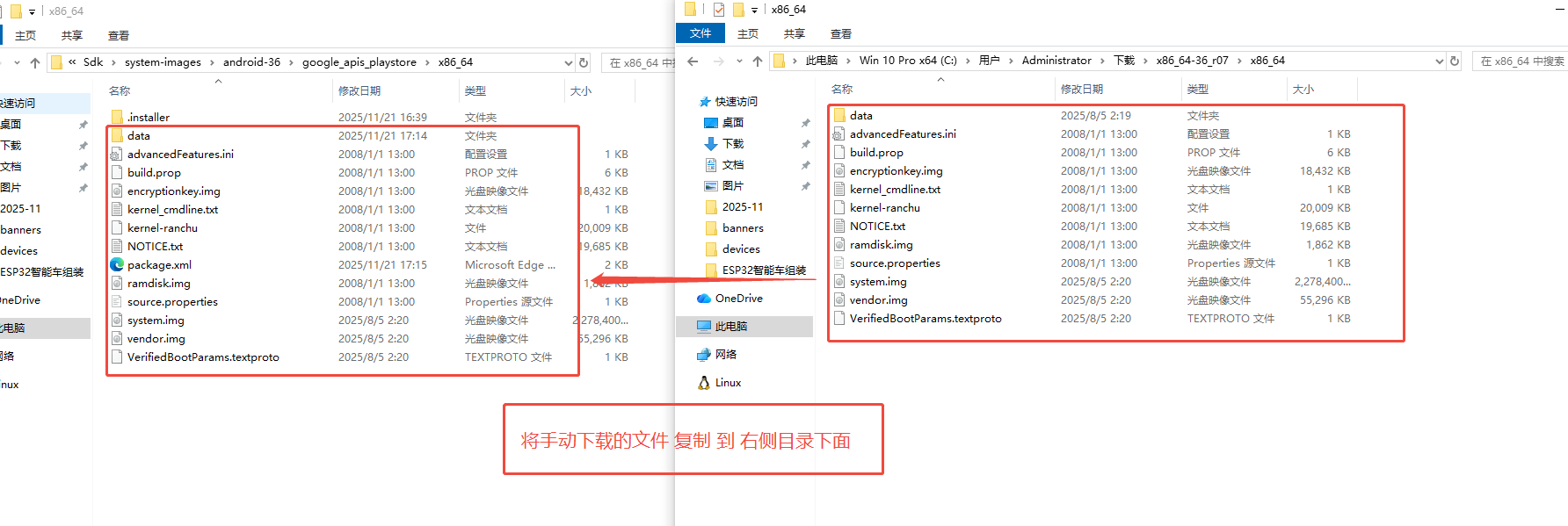
如果下载超时,可以手动下载
Manual Download and Installation
Download manually:
Visit: https://dl.google.com/android/repository/sys-img/google_apis_playstore/x86_64-36_r07.zip
Use a browser or download manager
Manual installation:
Extract the downloaded ZIP file
Copy contents to: Android/Sdk/system-images/android-36/google_apis_playstore/x86_64/
Create the directory structure if it doesn't exist
5. AVD (Android Virtual Device) 启动失败
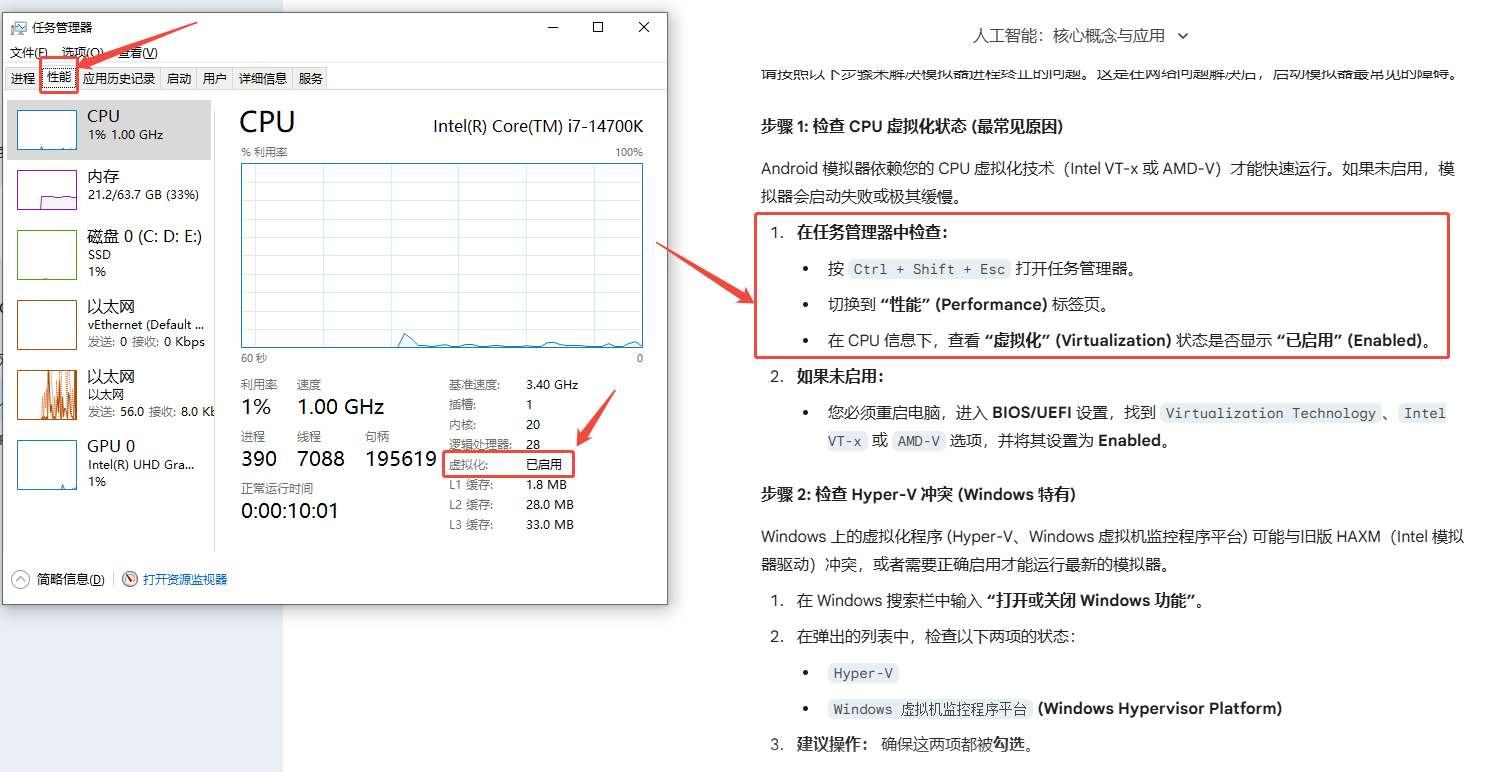
在输出中查找 "Hyper-V 要求",确认虚拟化已启用。
# 在命令提示符或 PowerShell 中运行
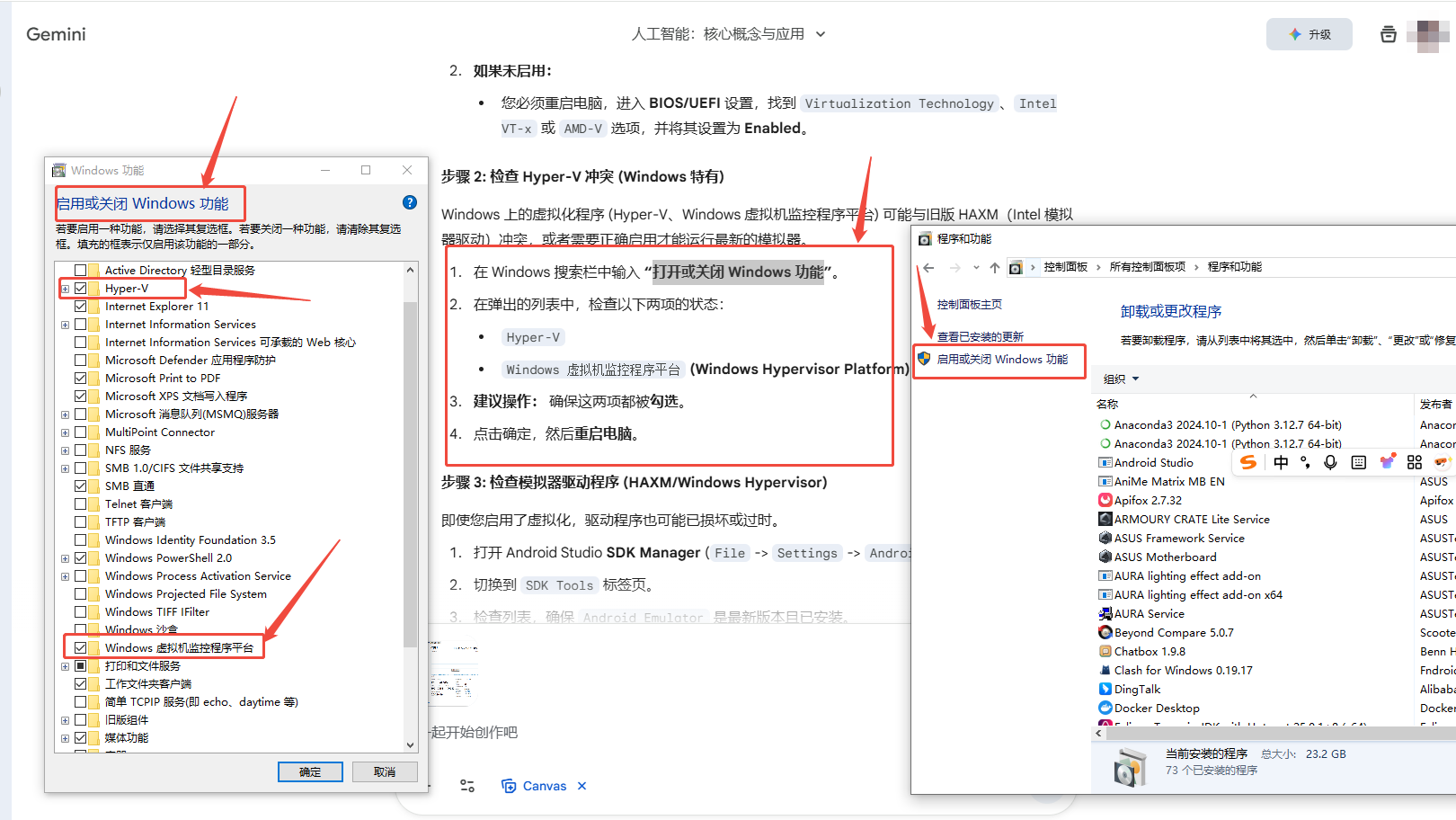
systeminfo禁用 Hyper-V 和 Windows 沙盒
# 以管理员身份运行 PowerShell 或 CMD
bcdedit /set hypervisorlaunchtype off重启电脑后生效。
重新启用(如果需要):
bcdedit /set hypervisorlaunchtype auto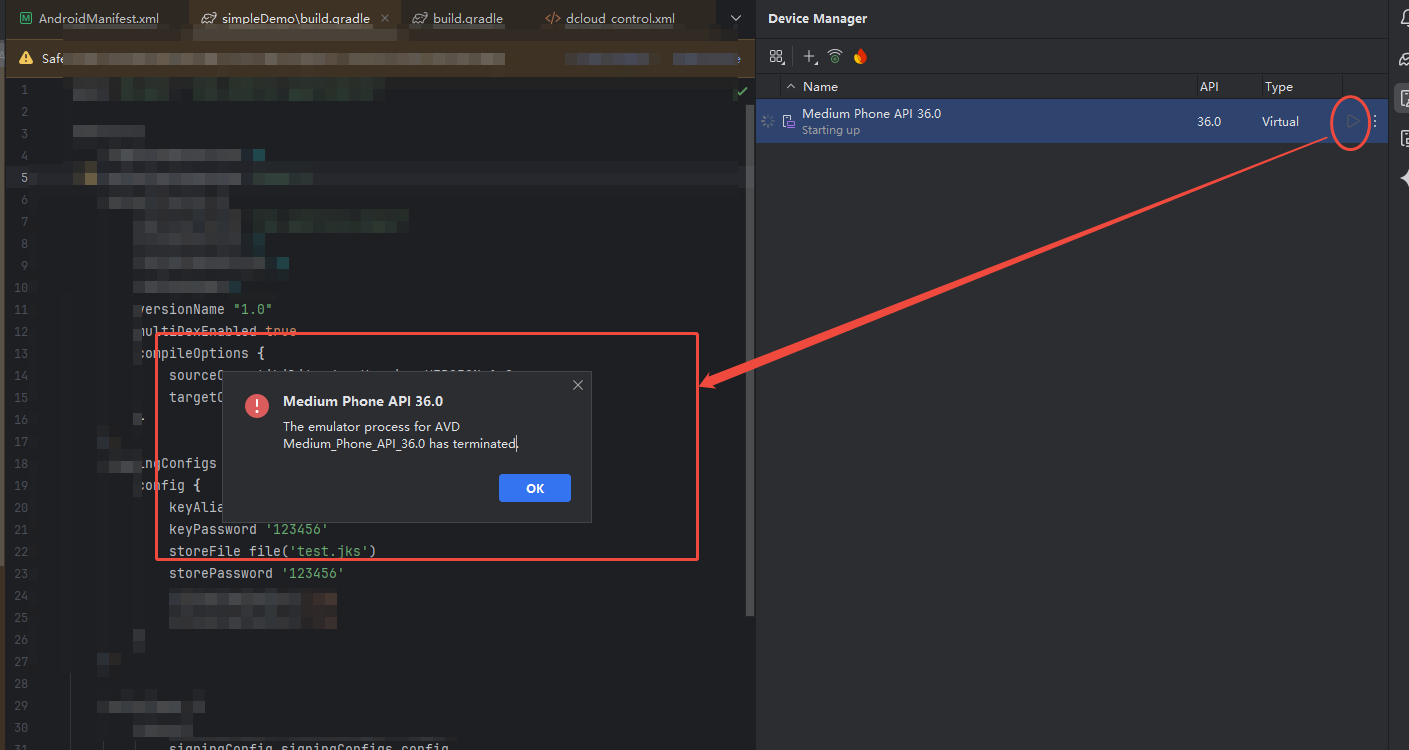
二、安装依赖
Creating a project
ns create myAwesomeApp --template @nativescript-vue/template-blank@latest

cd myAwesomeApp
ns run ios|android三、运行项目
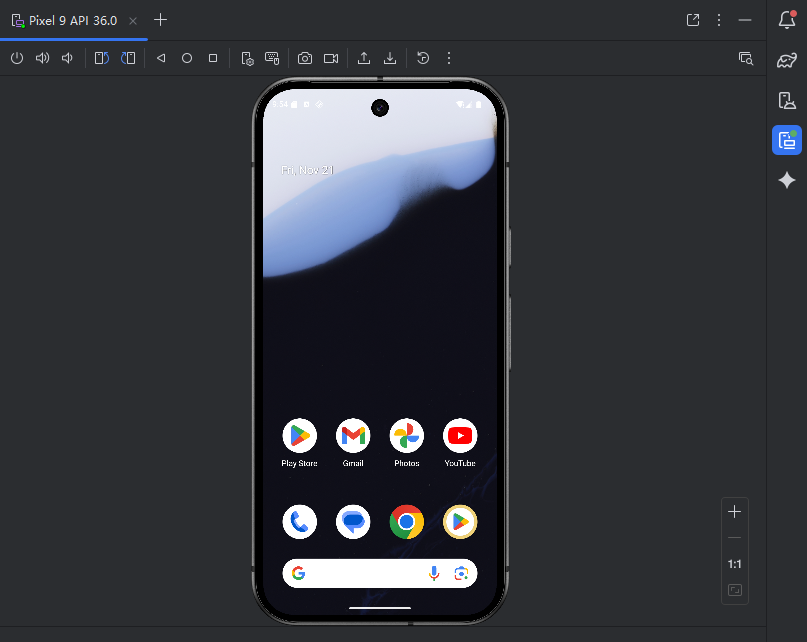
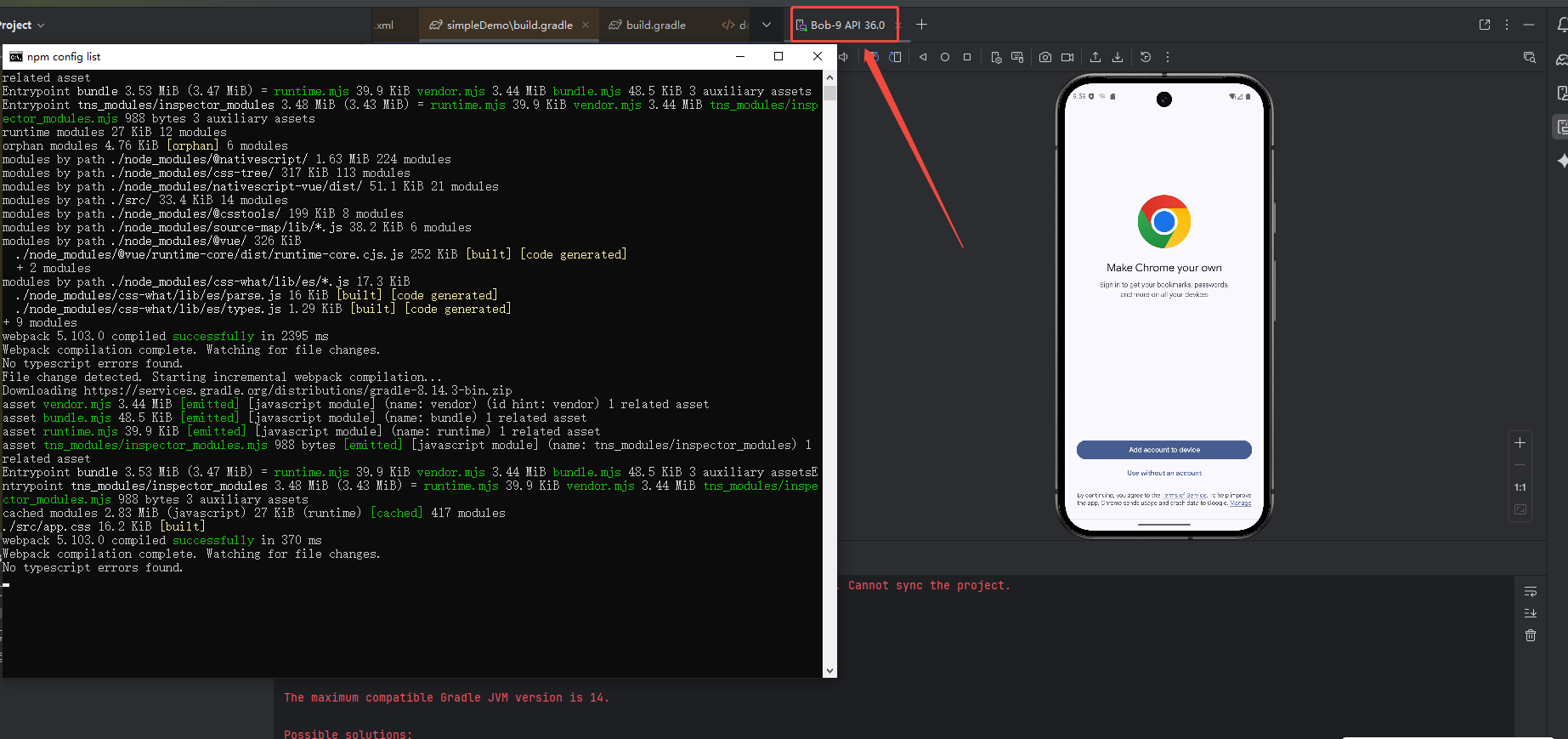
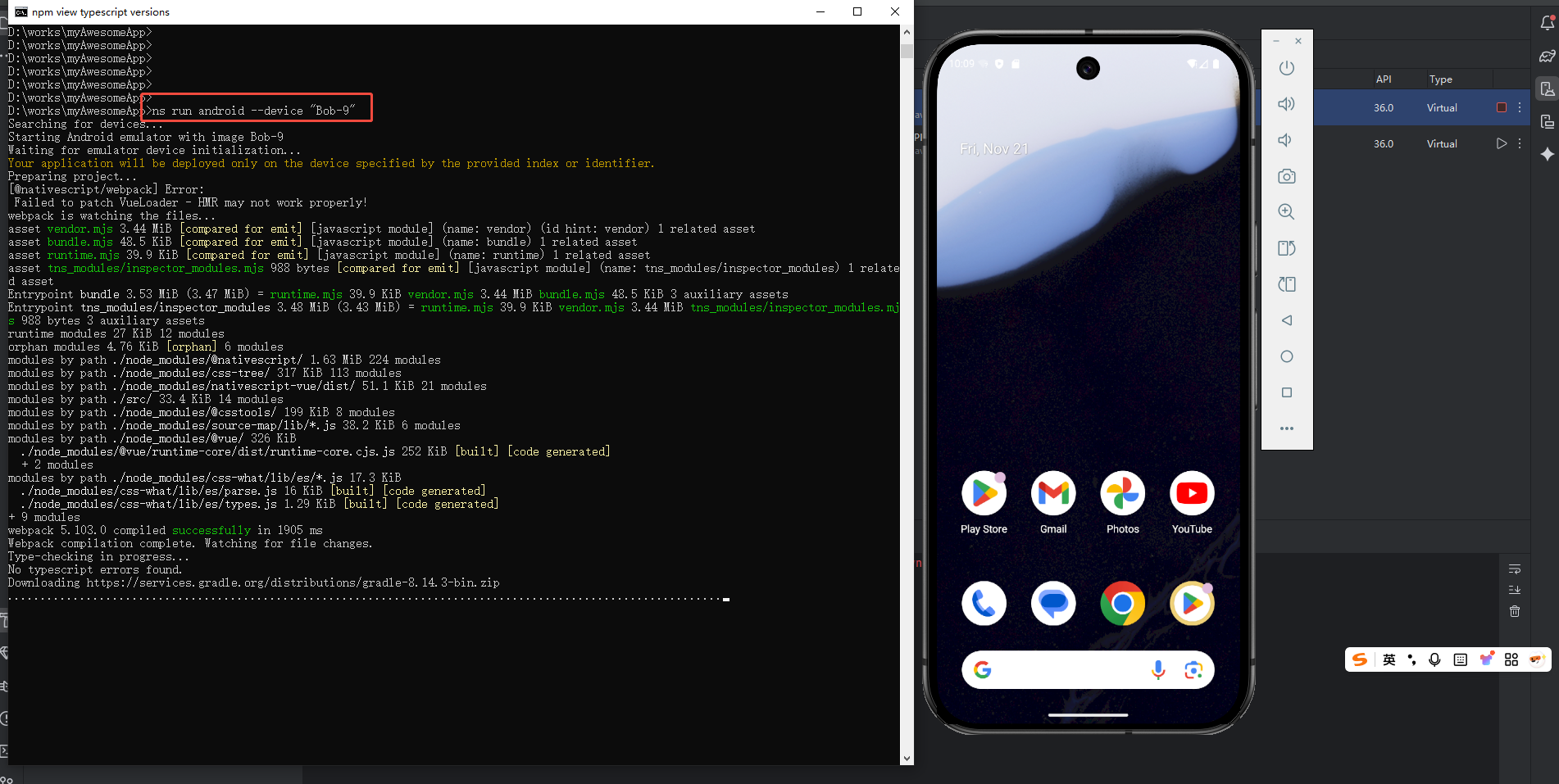
我的 name 命名为 Bob-9
ns run android --device "Bob-9"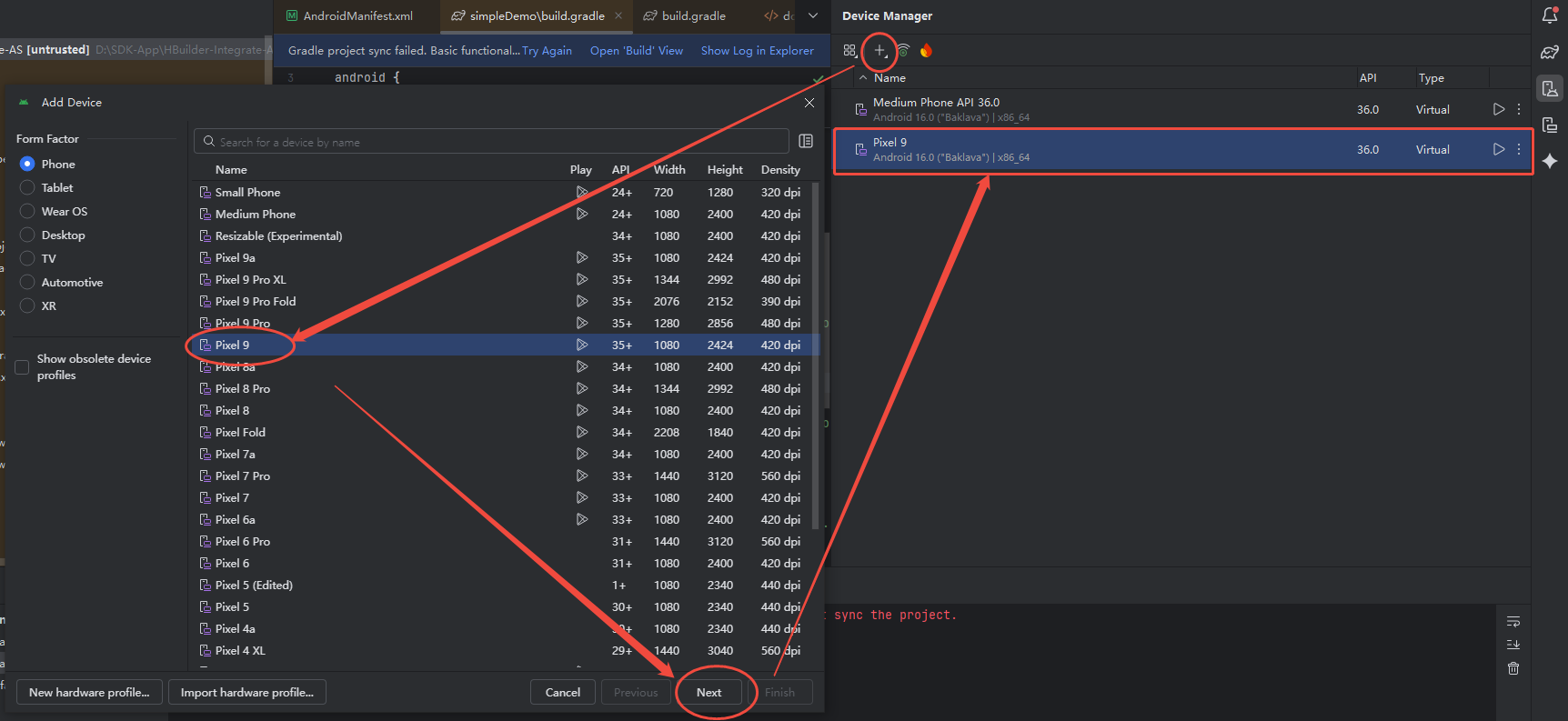
3.1 报错修复:网络问题
类似 https://maven.google.com/web/index.html 的地址都无法访问,需要配置镜像。
我们必须在 NativeScript 项目配置中,将所有对 Google 仓库的访问替换为国内镜像。
修改 App_Resources 配置 (在生成之前注入):
# 在项目根目录下创建 App_Resources\Android\app.gradle 文件
# 然后添加以下内容
allprojects {
    repositories {
        maven { url 'https://maven.aliyun.com/repository/google' }
        maven { url 'https://maven.aliyun.com/repository/jcenter' }
        maven { url 'https://maven.aliyun.com/repository/public' }
        google()
        jcenter()
    }
}如果还是报错,则配置 Gradle 强制使用国内镜像(全局配置)
在 C:\Users\<你的用户名>\.gradle\init.d\init.gradle 文件中添加以下内容(如果没有这个目录和文件,那就新建):
allprojects {
    repositories {
        maven { url 'https://maven.aliyun.com/repository/google' }
        maven { url 'https://maven.aliyun.com/repository/jcenter' }
        maven { url 'https://maven.aliyun.com/repository/public' }
        google()
        jcenter()
    }
}四、打包项目
TODO