Jenkins 实现 CICD
Jenkins 的安装与运行可以参考 Jenkins 下载安装配置
text
git pull
↓
读取 commit message
↓
如果包含 publish:
    npm install
    npm run generate
    scp dist 到 阿里云服务器目录
否则:
什么都不做一、需要实现的功能
- 代码提交到 github / gitlab
- jenkins 监听到代码提交
- jenkins 执行脚本,将代码拉取到本地
- jenkins 执行脚本,将代码部署到测试服务器 / 生产服务器
1.1 github / gitlab
- 创建一个仓库
- 创建一个项目
- 将项目代码提交到仓库
1.2 jenkins
- 安装 jenkins
- 配置 jenkins
- 创建一个 job
- 配置 job
- 执行 job
二、脚本代码
bash
pipeline {
    agent any

    environment {
        GIT_REPO = "git@github.com:bobo88/yb-ycy88.git"
        DEPLOY_HOST = "101.xxx.xxx.140"
        DEPLOY_USER = "root"
        DEPLOY_PATH = "/xxx/local/nginx/web/web-demos"
        SSH_CREDENTIALS = "github-ssh"
    }

    options {
        timestamps()
        disableConcurrentBuilds()
    }

    stages {

        stage('Init') {
            steps {
                bat "node -v"
                bat "npm -v"
                echo "======================================"
                echo "🚀 Pipeline Started"
                echo "Repo: ${GIT_REPO}"
                echo "Deploy Server: ${DEPLOY_USER}@${DEPLOY_HOST}"
                echo "Deploy Path: ${DEPLOY_PATH}"
                echo "======================================"
            }
        }

        stage('Checkout') {
            steps {
                git branch: "main", url: "${GIT_REPO}", credentialsId: "${SSH_CREDENTIALS}"
            }
        }

        stage('Check Commit Message') {
            steps {
                script {
                    echo "🔍 Reading commit message..."

                    def msg = bat(
                        script: "git log -1 --pretty=%%B",
                        returnStdout: true
                    ).trim()

                    echo "Commit Message: ${msg}"

                    if (msg.toLowerCase().contains("publish:")) {
                        env.NEED_DEPLOY = "true"
                        echo "🚀 Publish commit detected"
                    } else {
                        env.NEED_DEPLOY = "false"
                        echo "⏭ Normal commit, skip deploy"
                    }
                }
            }
        }

        stage('Build') {
            steps {
                script {
                    if (env.NEED_DEPLOY != "true") {
                        echo "⏭ Build skipped"
                        return
                    }

                    timeout(time: 10, unit: 'MINUTES') {
                        echo "Node version:"
                        bat "node -v"
                        bat "npm -v"

                        echo "🧹 Clean old deps"
                        bat "rmdir /s /q node_modules || exit 0"
                        bat "del package-lock.json || exit 0"

                        echo "📦 Install deps"
                        bat "npm cache clean --force"
                        bat "yarn"

                        echo "🏗 Build project"
                        bat '''
                        set CI=false
                        yarn build
                        '''

                        echo "📦 Build result:"
                        bat "dir build"
                    }
                }
            }
        }

        stage('Deploy') {
            steps {
                script {
                    if (env.NEED_DEPLOY != "true") {
                        echo "⏭ Deploy skipped"
                        return
                    }

                    echo "🚀 Deploying to server..."

                    timeout(time: 3, unit: 'MINUTES') {
                        // ============ Not OK =======================
                        // sshagent(['aliyun-ssh']) {
                        //     bat """
                        //     scp -o StrictHostKeyChecking=no ^
                        //         -o ConnectTimeout=10 ^
                        //         -r build/* ${DEPLOY_USER}@${DEPLOY_HOST}:${DEPLOY_PATH}
                        //     """
                        // }

                        // ========= OK ====================
                        withCredentials([sshUserPrivateKey(
                            credentialsId: 'aliyun-ssh',
                            keyFileVariable: 'SSH_KEY'
                        )]) {
                            bat """
                            scp -o StrictHostKeyChecking=no ^
                                -i "%SSH_KEY%" ^
                                -r build/* ${DEPLOY_USER}@${DEPLOY_HOST}:${DEPLOY_PATH}
                            """
                        }

                        // ========= OK ====================
                        // bat """
                        // scp -o StrictHostKeyChecking=no ^
                        //     -i C:\\Users\\Administrator\\.ssh\\id_rsa ^
                        //     -r build/* ${DEPLOY_USER}@${DEPLOY_HOST}:${DEPLOY_PATH}
                        // """

                    }

                    echo "✅ Deploy success"
                }
            }
        }
    }

    post {
        success {
            echo "🎉 Pipeline Success"
        }
        failure {
            echo "❌ Pipeline Failed"
        }
        always {
            echo "======================================"
            echo "Deploy executed: ${env.NEED_DEPLOY}"
            echo "======================================"
        }
    }
}三、实践截图
建立普通 Job
>
>
>
>
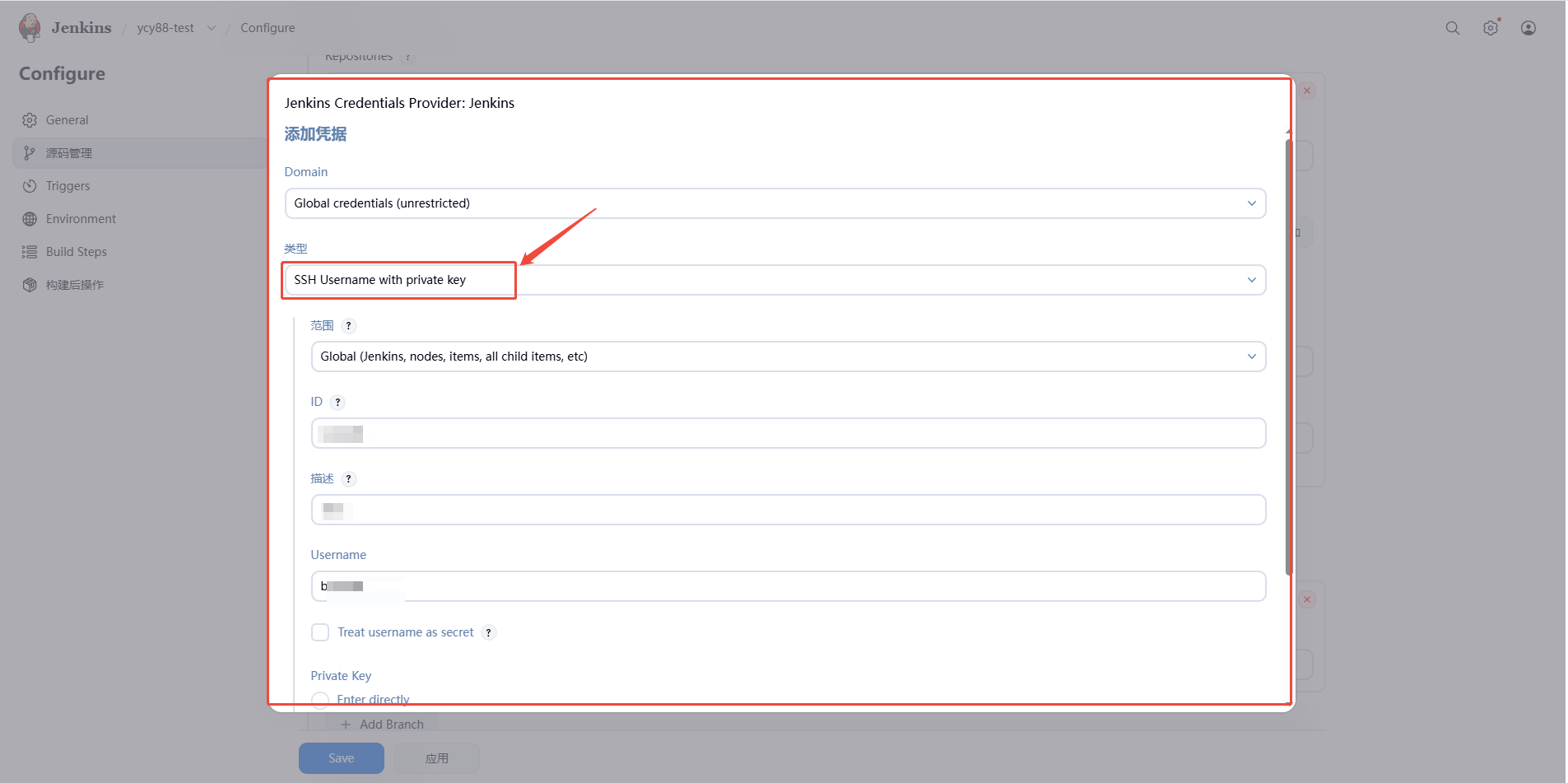
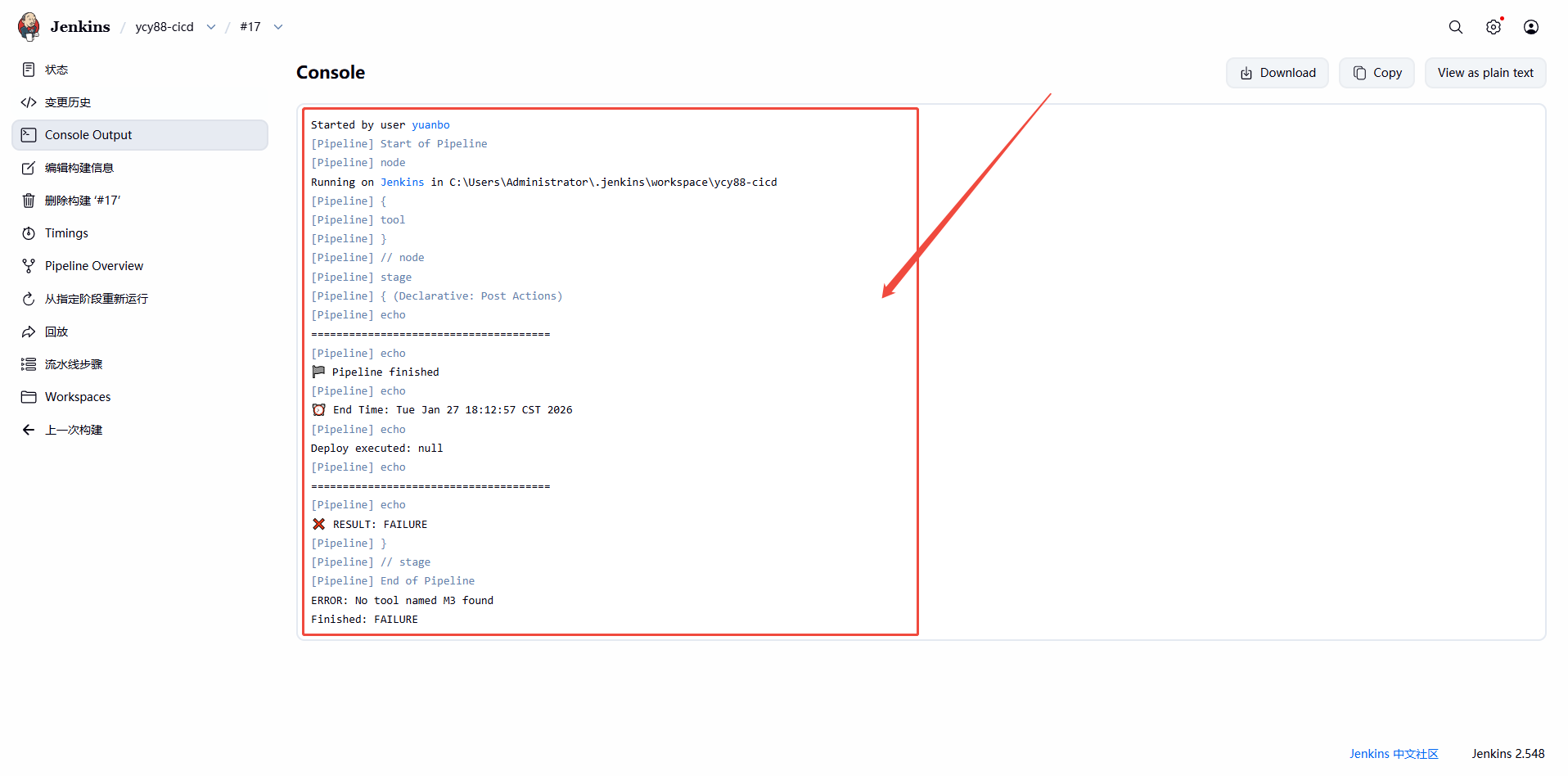
建立流水线以及相关报错提示
>
>
>
>
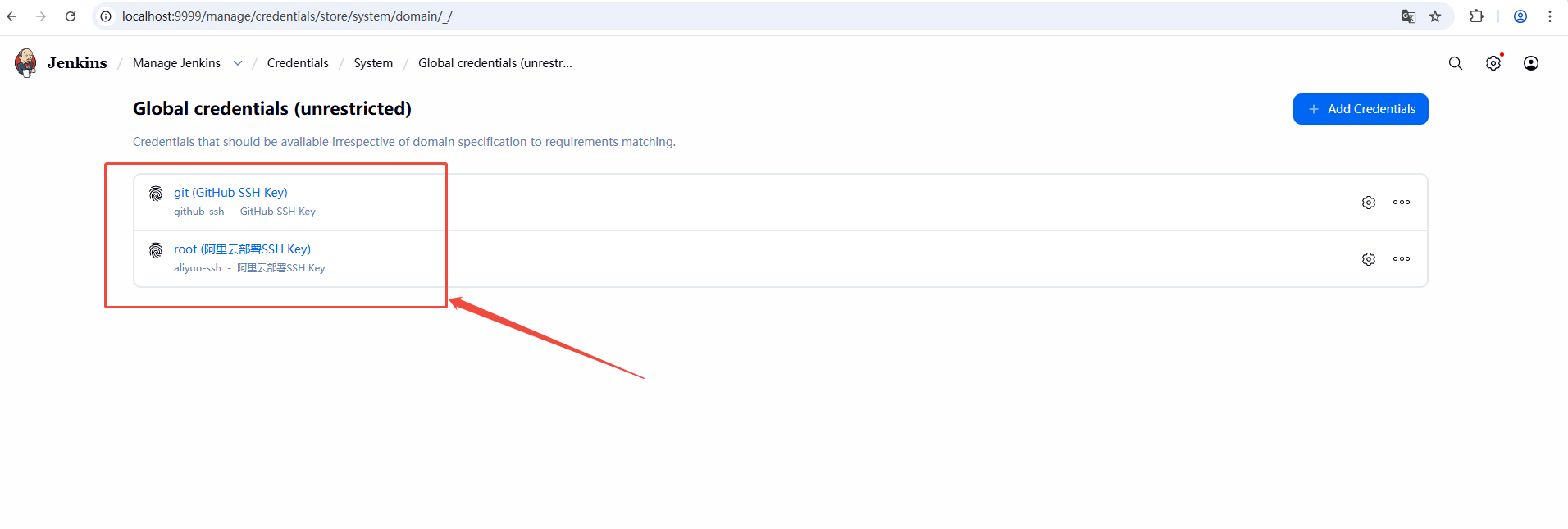
配置相关 github 和阿里云服务器的登录凭证
>
>
>
>
>
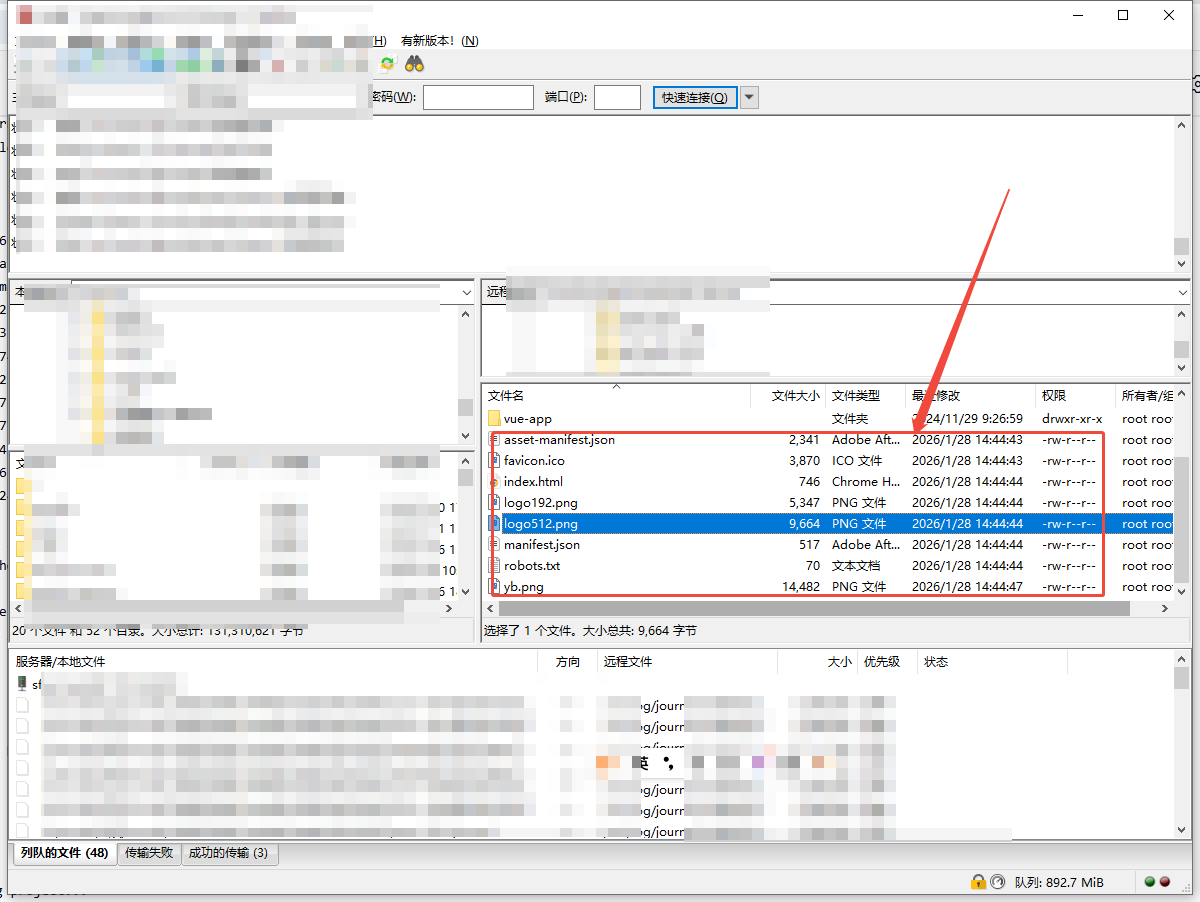
上传到阿里云服务器成功
>